Contacting MAUK Solutions
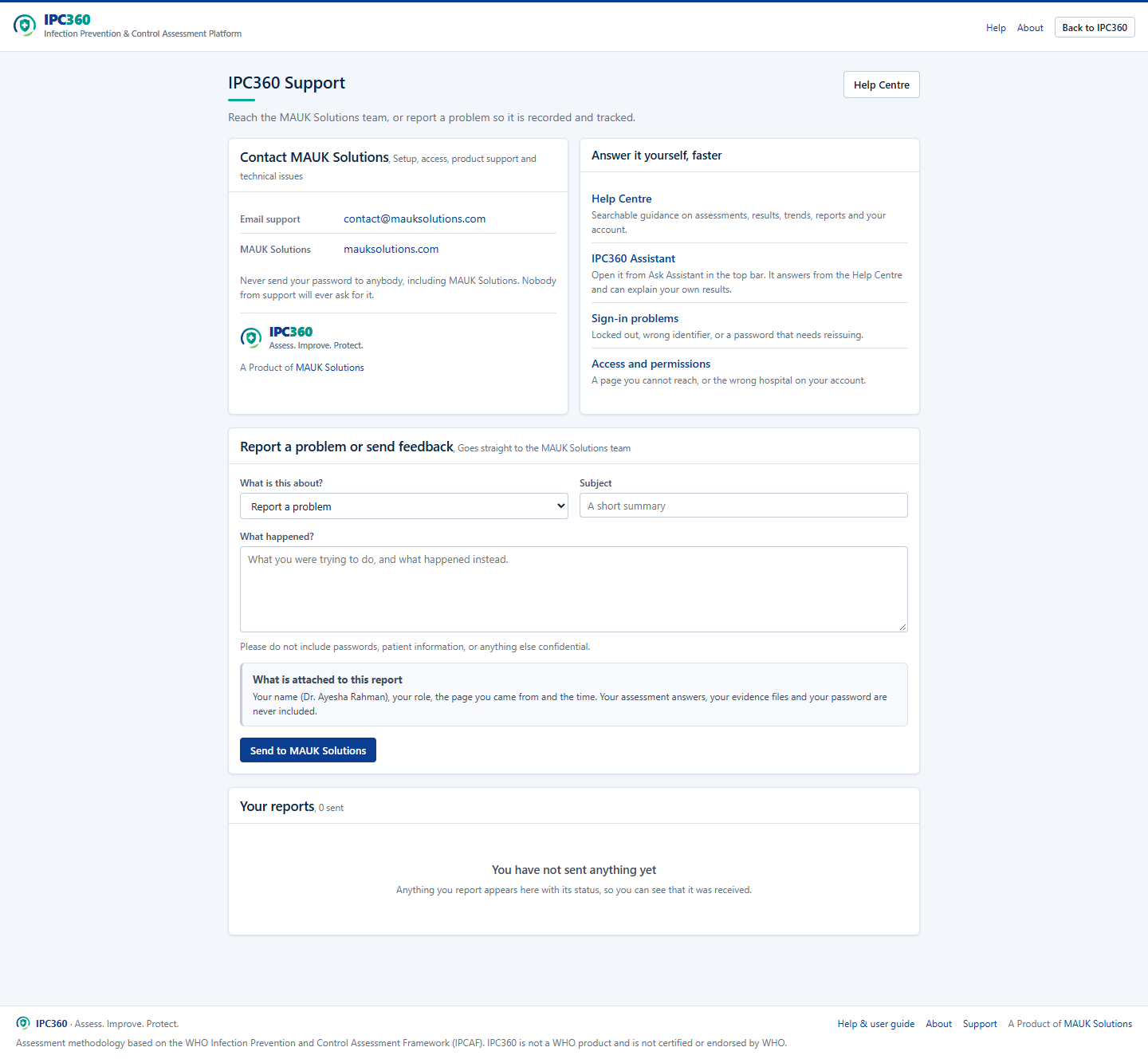
Open Support from the Help Centre, the sign-in page or IPC360 Assistant. You do not need to be signed in to see it, so it works for somebody who cannot sign in or does not have an account yet. It lists the contact methods your installation has configured, and nothing it has not: if no WhatsApp number has been set up, no WhatsApp button is shown rather than a number that reaches nobody.
Signed in, the same page also lets you send a tracked problem report and see the replies to reports you have already sent.
What to include
- What you were trying to do.
- What happened instead.
- The page you were on, and the assessment reference if it relates to one.
- Whether it affects one person or everybody at your hospital.
Note: Never send your password to anybody, including MAUK Solutions. Nobody from support will ever ask for it.
Source: IPC360 Help · Support
Related
- Reporting a problem or sending feedbackUse Report a problem to send a bug, a question, a missing feature or a suggestion to MAUK Solutions, with the page you were on attached automatically.
- Using IPC360 AssistantIPC360 Assistant answers questions about using IPC360, about IPCAF concepts, and about your own assessment results, and hands you to the MAUK Solutions team when it cannot help.
- Access issuesIf a page refuses you, your role does not carry that permission; if your hospital or role is wrong, an administrator has to change it.
Did this answer your question?
Ask IPC360 Assistant if you need this applied to your own assessment, or contact the MAUK Solutions team.
See also: Getting an IPC360 account · I cannot sign in · Signing in